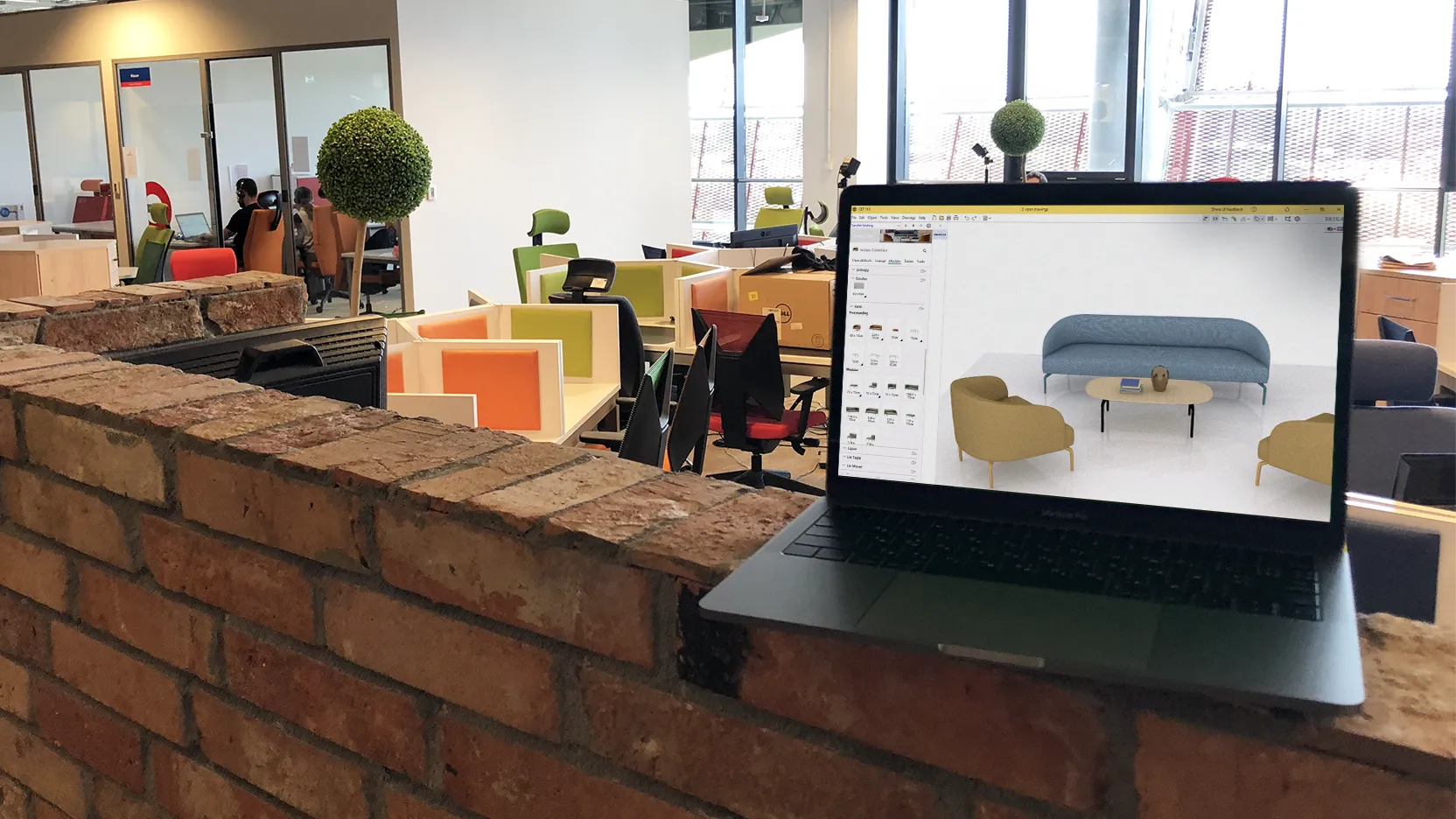
Sandler CET Extension
Are you a CET user? With our new CET extension, you can now add Sandler products to your office interior design projects.
We created this free-to-download product library to help dealers and designers save time, configure accurately, and create compelling visuals for clients. It makes furniture specification easy using intuitive functionality, such as the Sigma virtual assistant that helps you find the right products for your space.
Read on to see how the extension can help you specify, price, and visualize Sandler’s commercial-grade furniture in your designs.
DOWNLOAD NOW

FAQs
ABOUT THE CET EXTENSION
What is the Sandler CET extension?
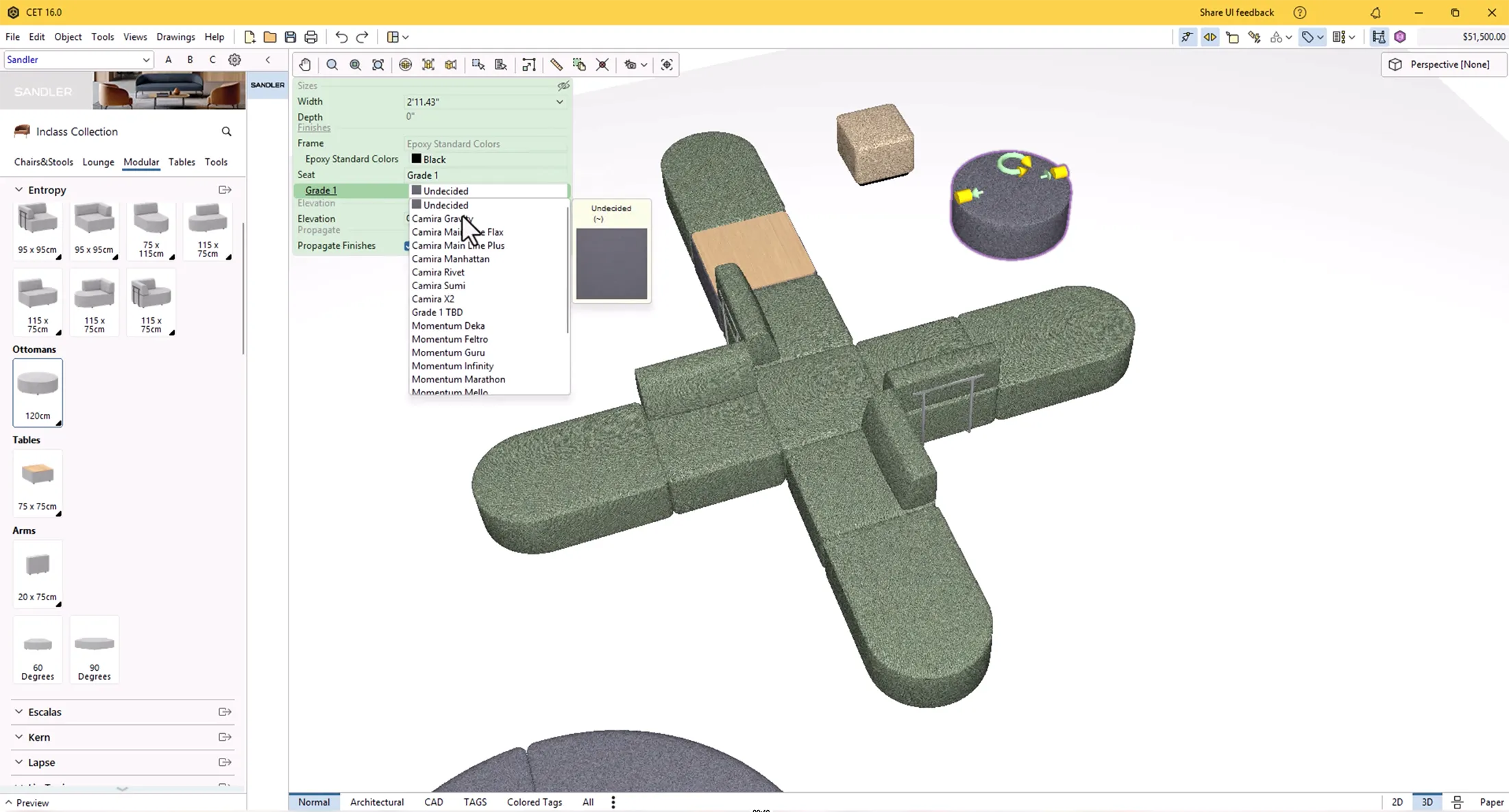
This extension is a product library on Configura’s CET Commercial Interiors software. It makes it easy to add Sandler products to your corporate interior designs, and to visualize them in 2D, 3D, and renderings. It has rules-based functionality to ensure that all your configurations are accurate and can be ordered. It is intuitive enough to reduce design time, minimize errors, and create realistic visuals.
Who should use this extension?
This extension was created for anyone who works with Sandler’s products in a design or sales capacity. While it’s primarily used by dealer designers, it’s also a powerful tool for sales reps and other dealership team members.
HOW TO ACCESS SANDLER ON CET
How can I get Sandler’s CET extension?
The Sandler CET extension can be accessed here, or you can search for “Sandler” in the Configura Marketplace. You will need a valid CET license to access and install it.
Is Sandler’s CET extension free?
Yes, the Sandler CET extension is free to use.
KEY FEATURES
What is Sigma?
The Sigma search function acts as your virtual assistant to help find the right Sandler product for your office design project. Here’s how it can help:
- Search: Search for products by name or description, and use the filters to quickly narrow it down. You can then insert the fully functional model into your drawing.
- Generative AI: Have an inspiration image of a product? Upload it and let Sigma recreate that inspiration in the Sandler product line. Or just type in what you are looking for, for example: “three-seater with table in the middle,” and let Sigma do all the work.
- Sigma is just getting started and will have many more features to assist you, including:
- Material search
- Color palette generator
- Typicals library
You can access Sigma in the Sandler extension via the Tools tab, the Sigma Search button, the hourglass icon, or within the specific modular product line sections. See it in action within the below video.
What other functionality can I expect from Sandler’s extension?
This extension provides full furniture specification capabilities, including:
- Intuitive usability: Logic is built into modular furniture products, allowing for easy and accurate configuration
- Stretching: Many products can be stretched to fit your design needs
- Material application: All Sandler materials are available for specification and visual application, including fabrics. COM and COL (customer’s own material/leather) can also be specified
- Full specification: The extension automatically generates a complete and accurate bill of materials (BOM) and quote as you design
What products are in the initial release?
The initial release includes the entire Inclass collection. It includes many contract furniture products, including modular sofas, meeting tables, task chairs, privacy screens, stackable chairs, occasional tables, and lounge furniture.
We are committed to continuously managing the Inclass collection to ensure that pricing and product offerings remain current.
What future product updates can I look forward to?
The next phase will go live in the near future. In it, we will introduce products from our Montbel, Volare, and Woodlook collections.
COMMERCIAL INTERIORS LIBRARY (CIL)
What is the Commercial Interior Library and how does it relate to Sandler?
The CIL is a Configura data repository that contains manufacturer catalog data. We are publishing our catalog data there to make our products available on other industry-specific software, including Spec, Aline (soon to be released by Configura), and various dealer business systems.
How do I access the Sandler Commercial Interiors Library?
If you use Spec software, you can access our product data and download the latest updates via Notify.
If your dealership uses a business system like Hedberg, Khameleon, or e-Manage | One, you will be able to access it directly within that system.
HELP AND SUPPORT
Who do I contact for support if I have a question?
- For product support please contact your Sandler representative or email sales@sandlerseating.com
- For technical support questions, or to report bugs, please email cetsupport@sandlerseating.com
Is there a training resource?
There is a video at the top of this page that shows some of our extension’s functionality. We are creating additional training videos to help you make the most of the extension.
DOWNLOAD NOW